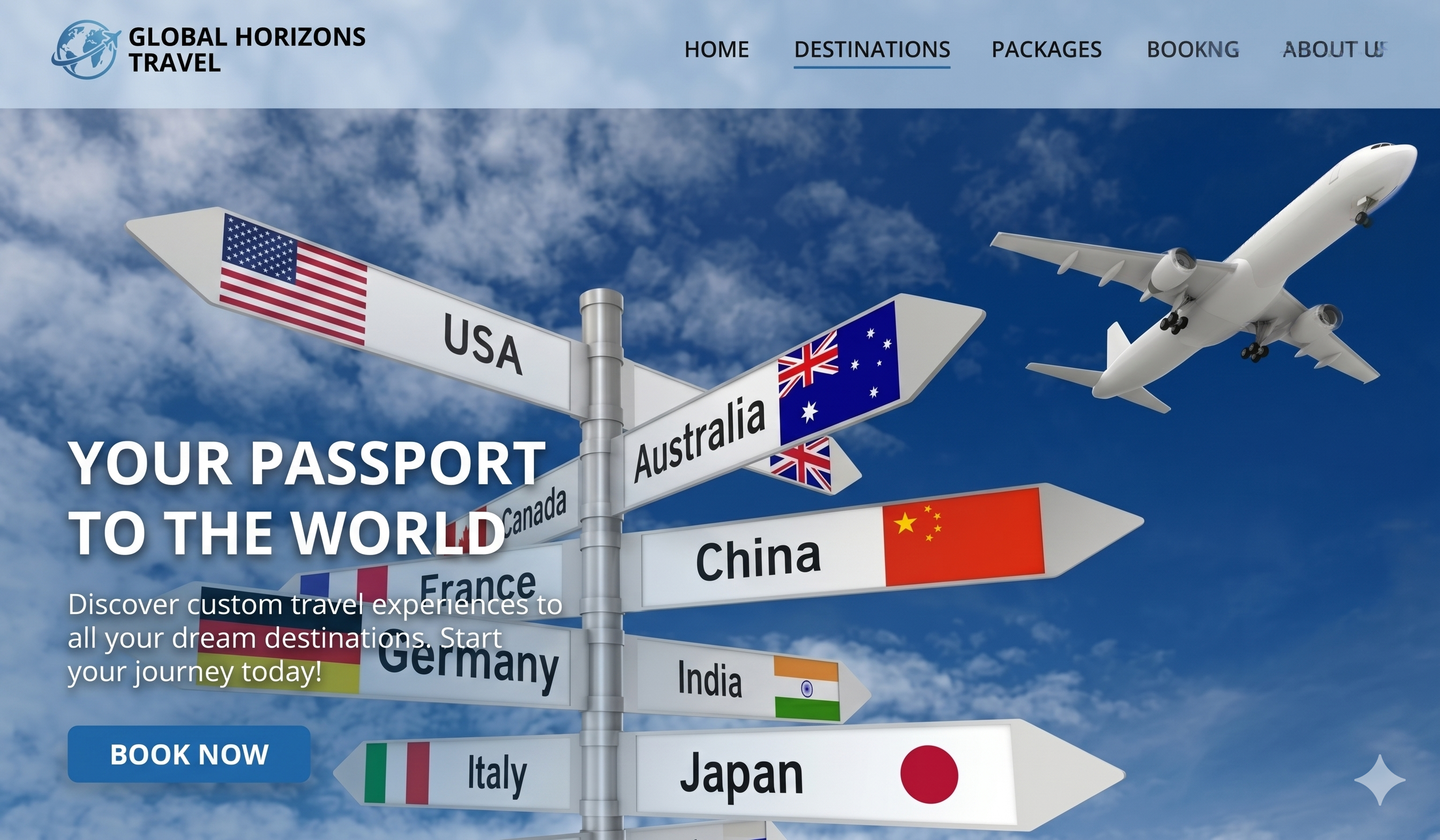
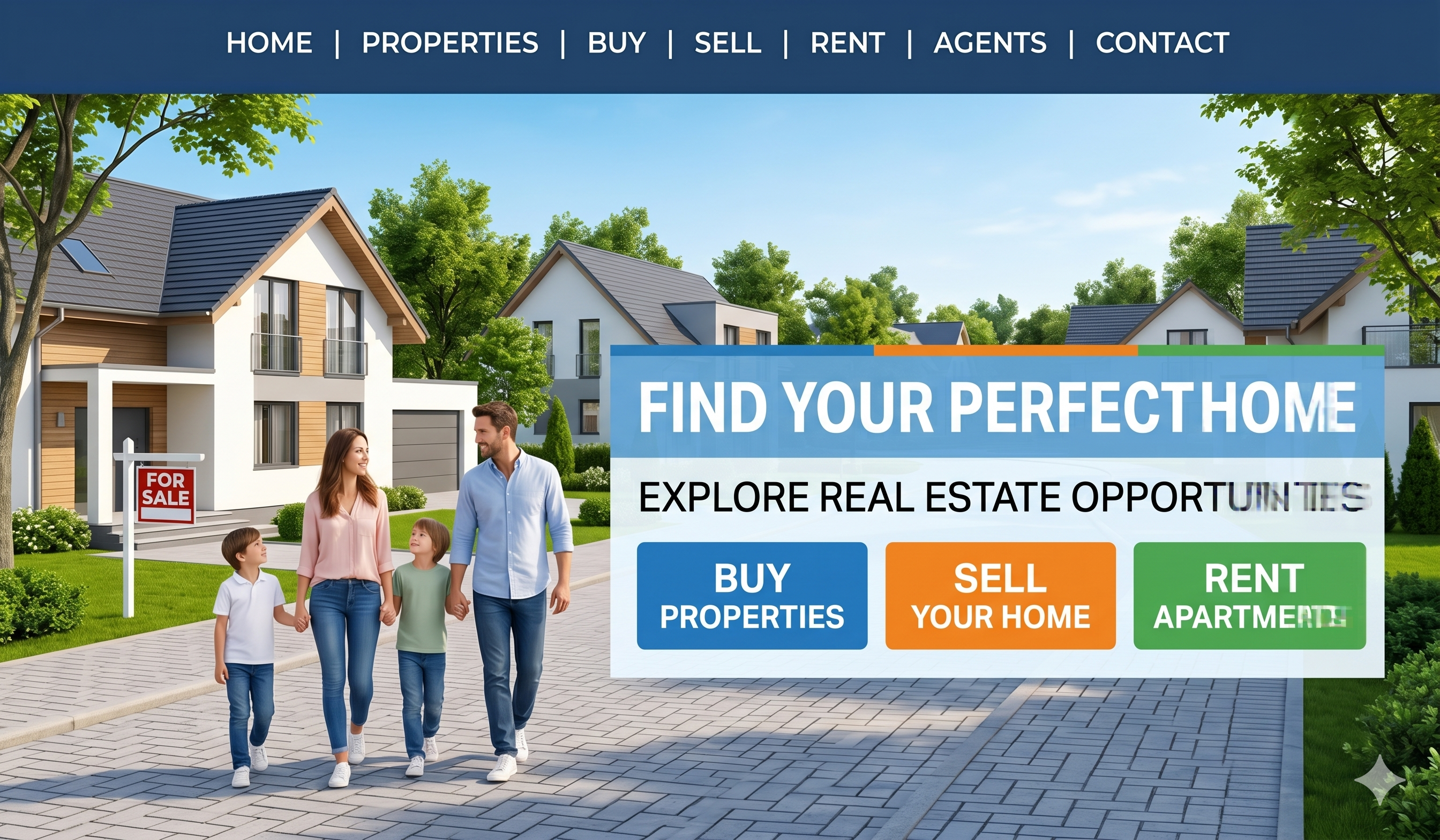
Exactly the way you want to fuel your growth with WebsHigher.
Supercharged with the power of AI.
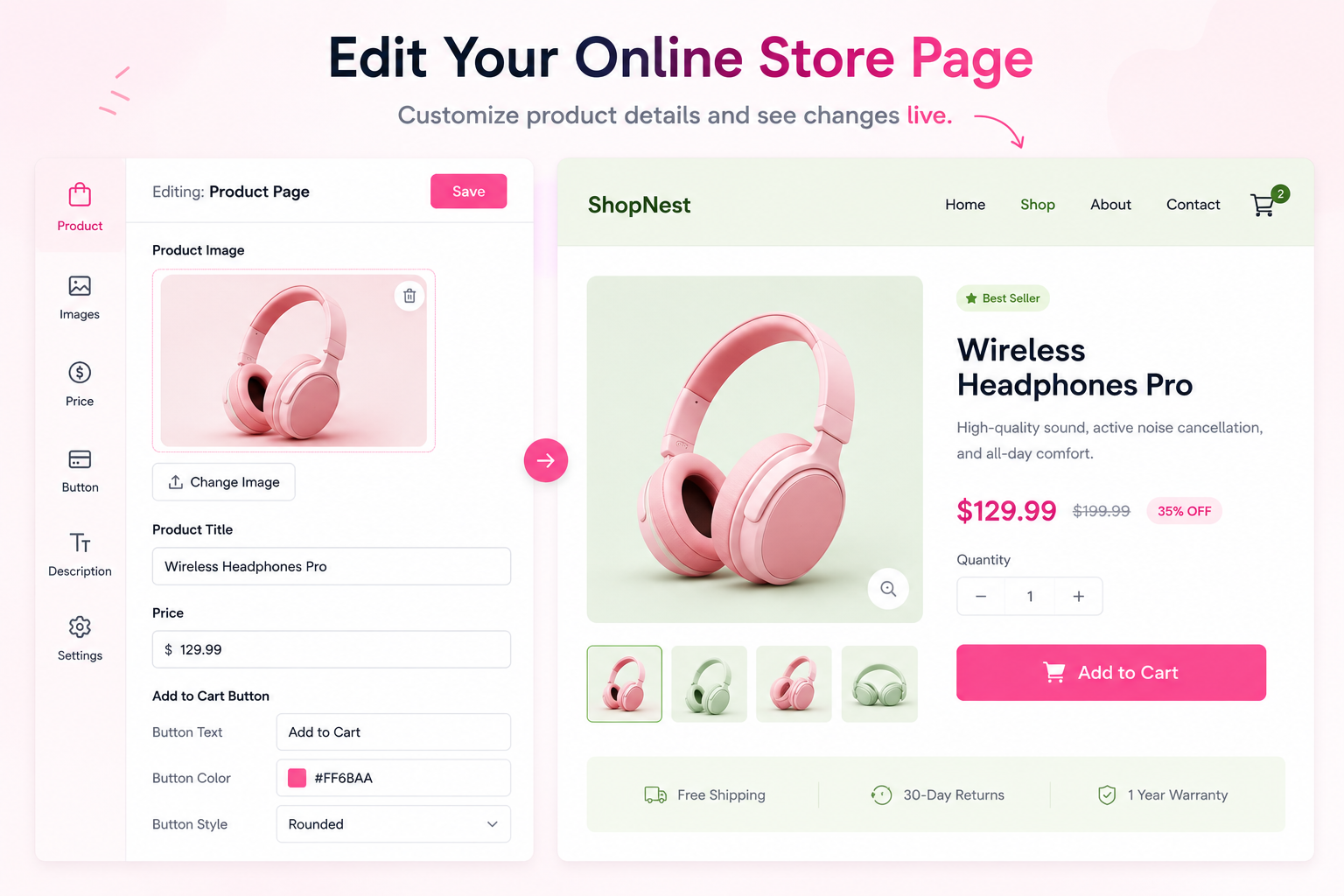
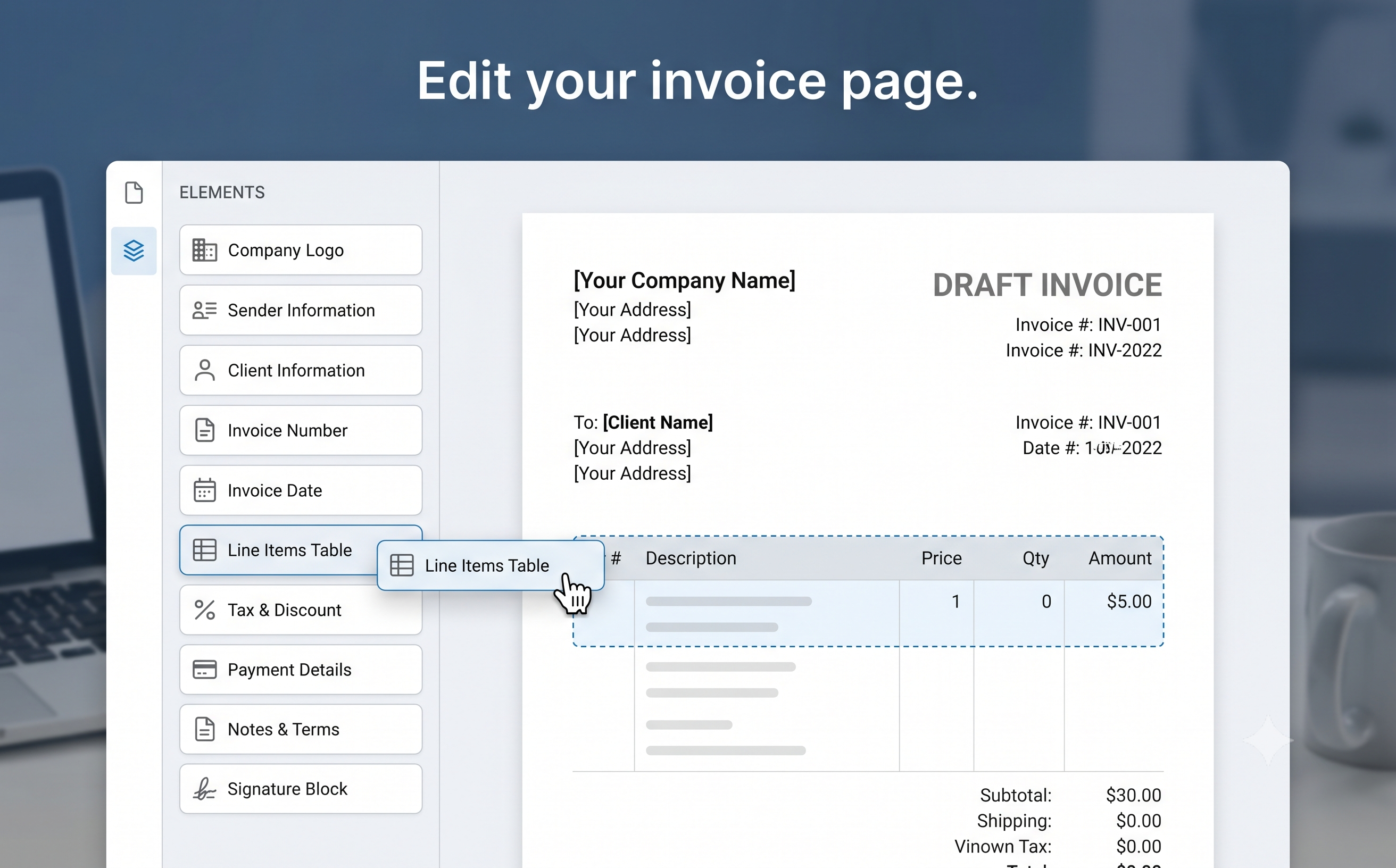
Trusted by more than 2M+ users
Countries & Territories
Businesses Generated
Of websites launch on day 1
Join the millions of entrepreneurs building their online presence with WebsHigher














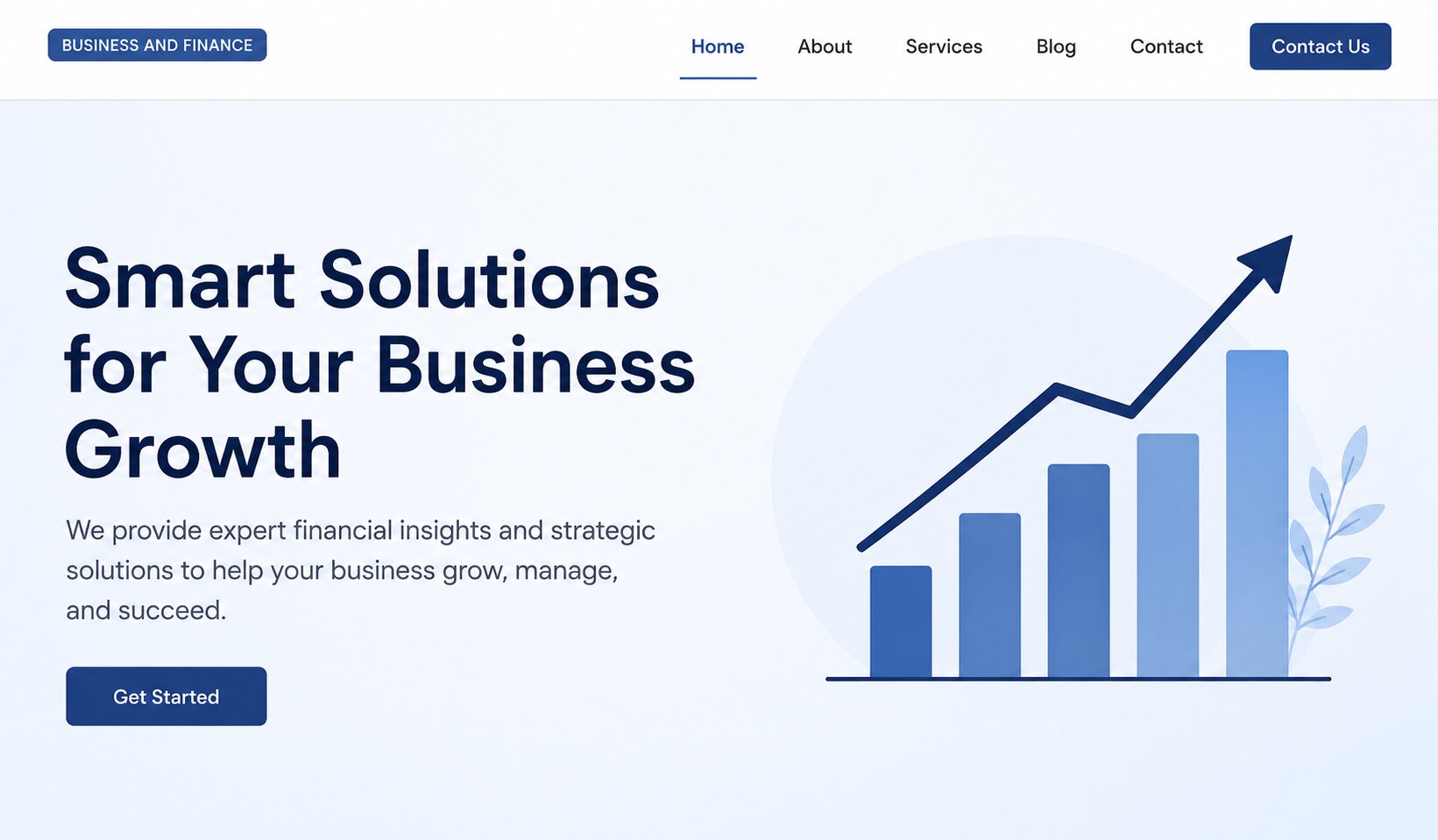
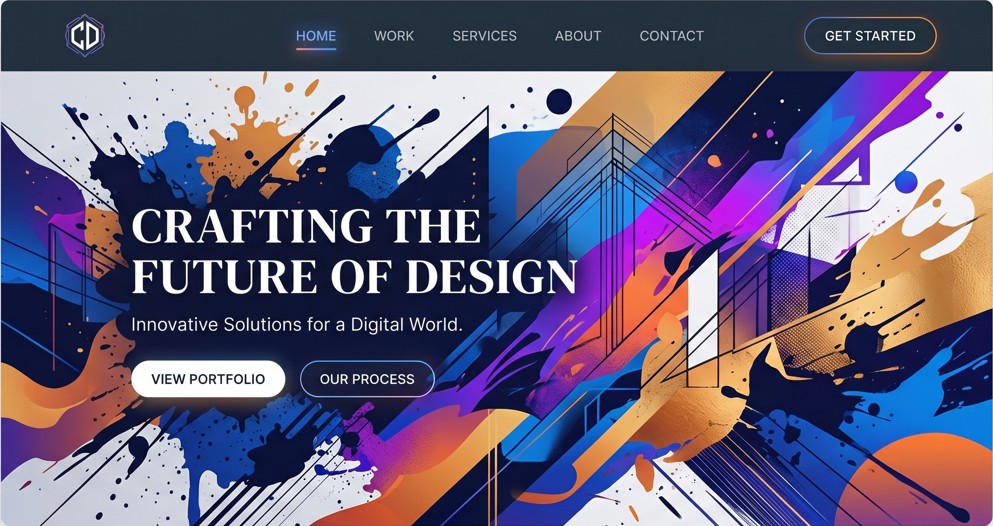
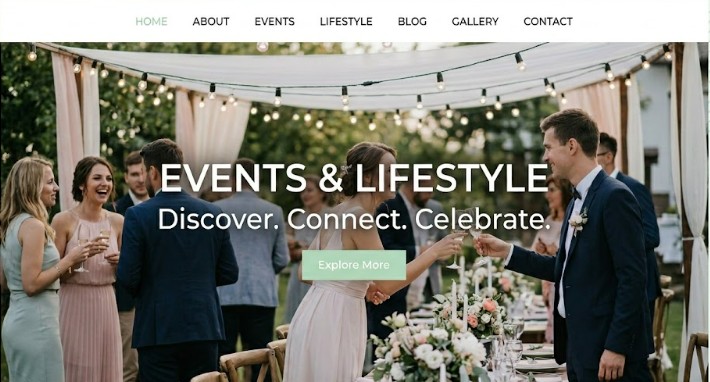
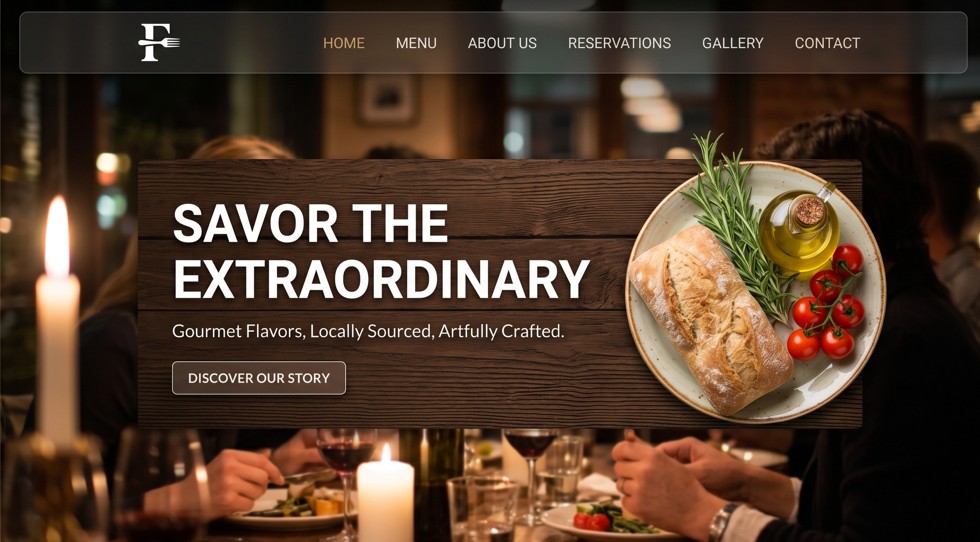
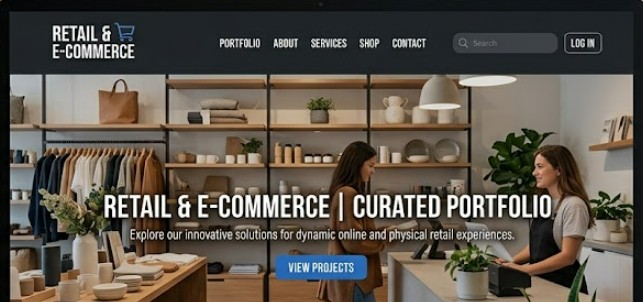
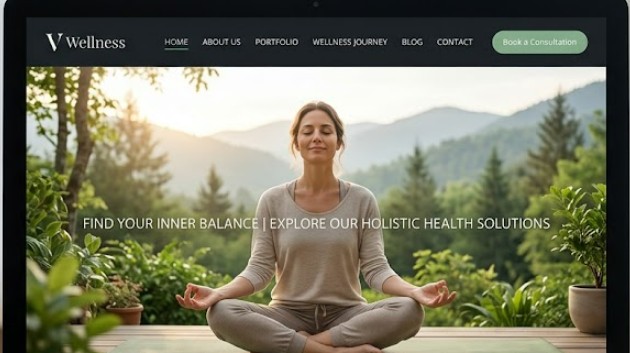
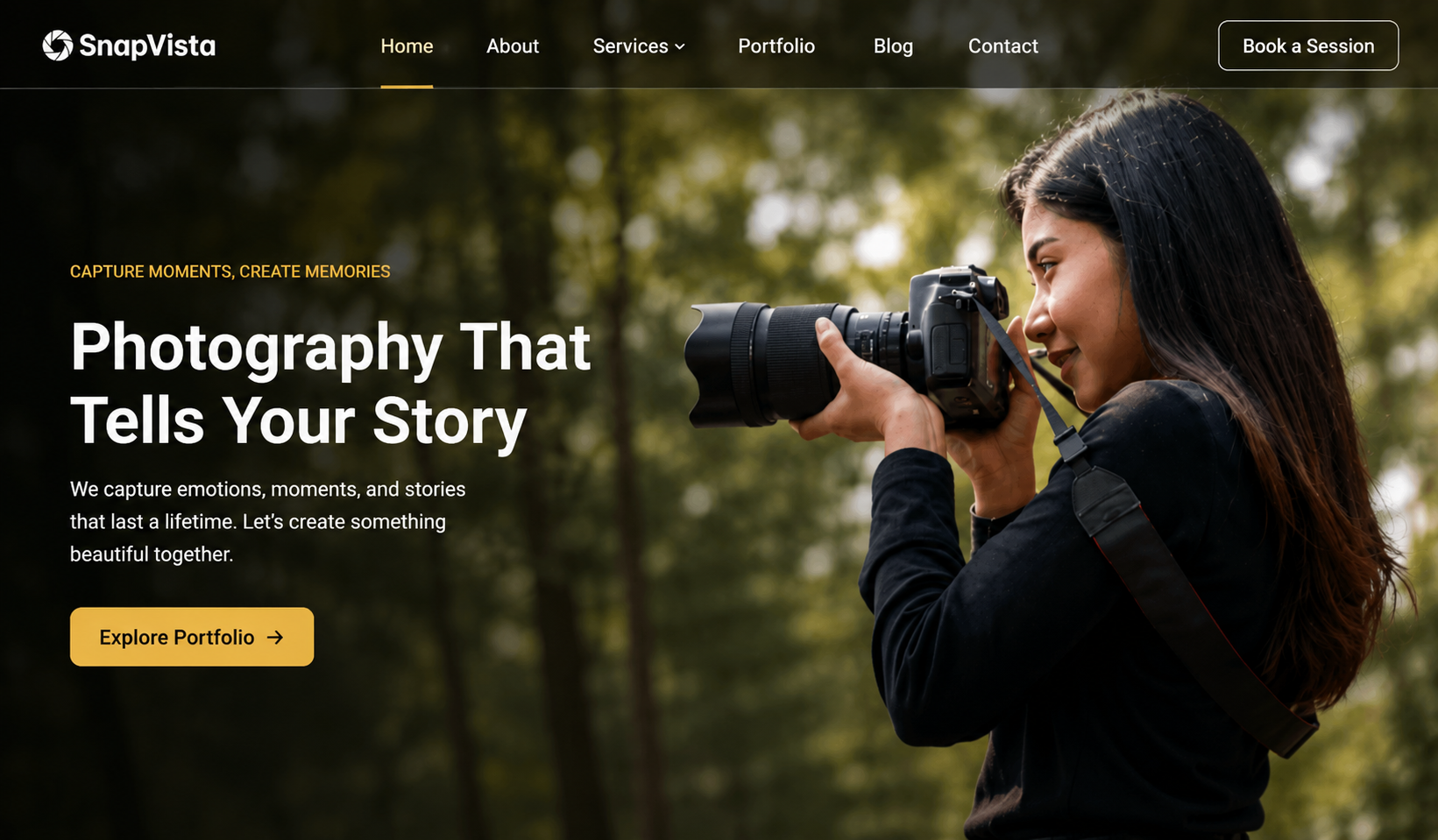
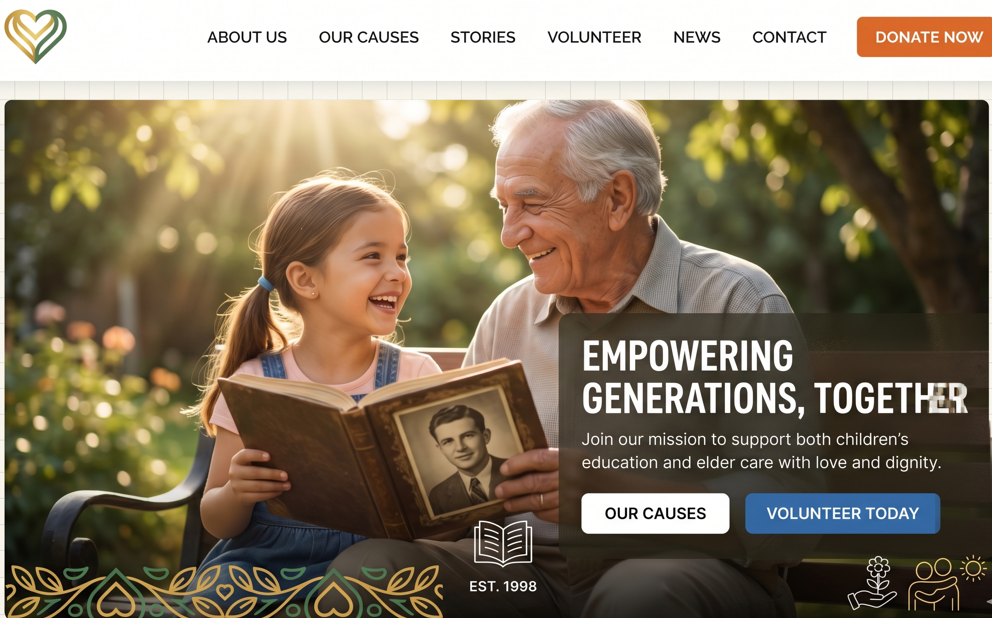
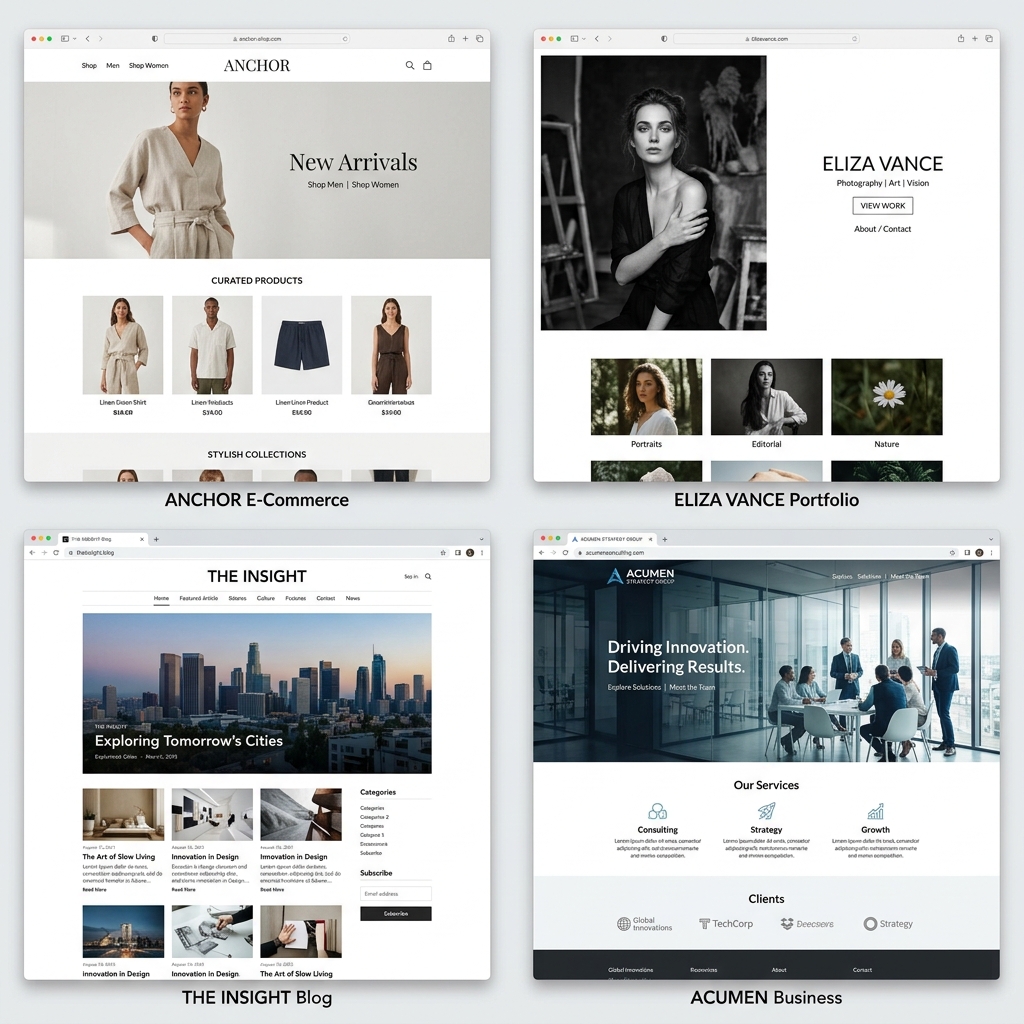
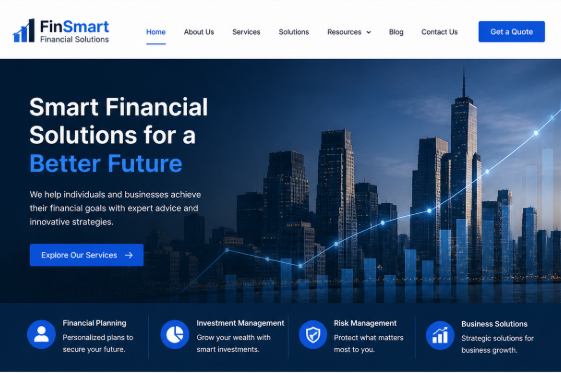
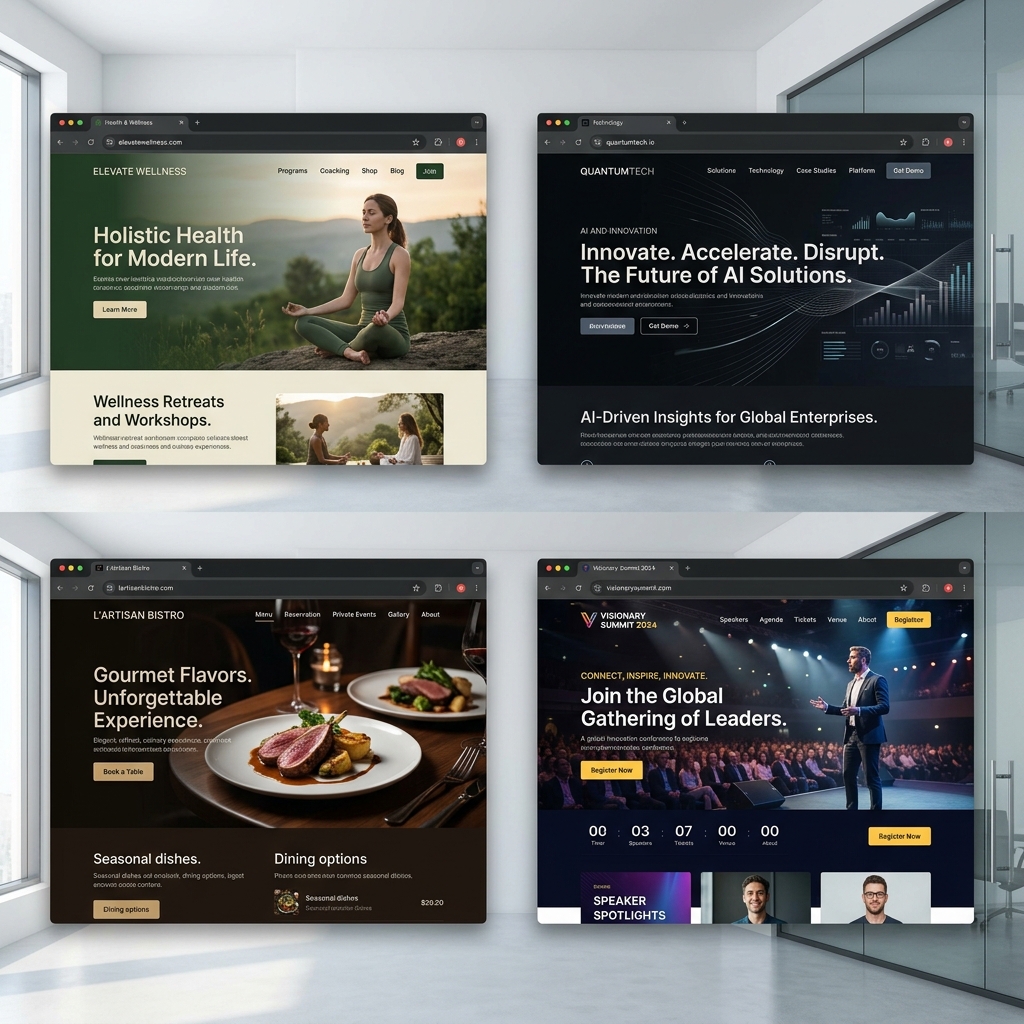
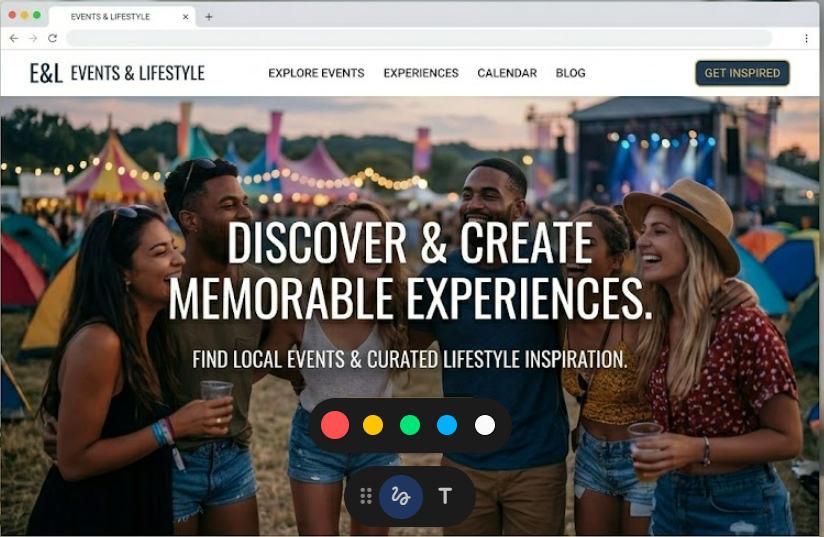
Choose from over 50+ professionally designed templates tailored for every business niche—from corporate consulting and creative portfolios to event planners and online stores.
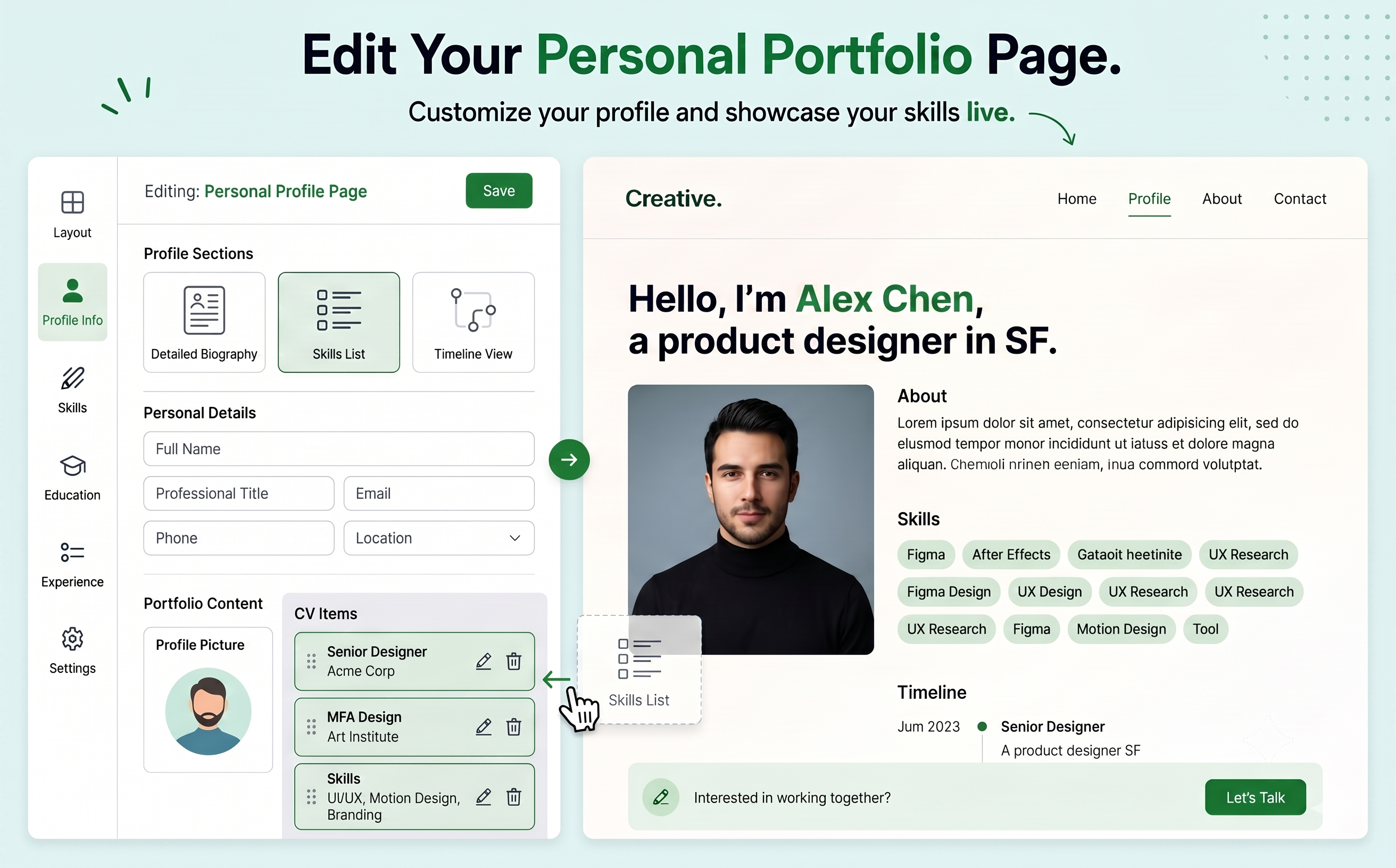
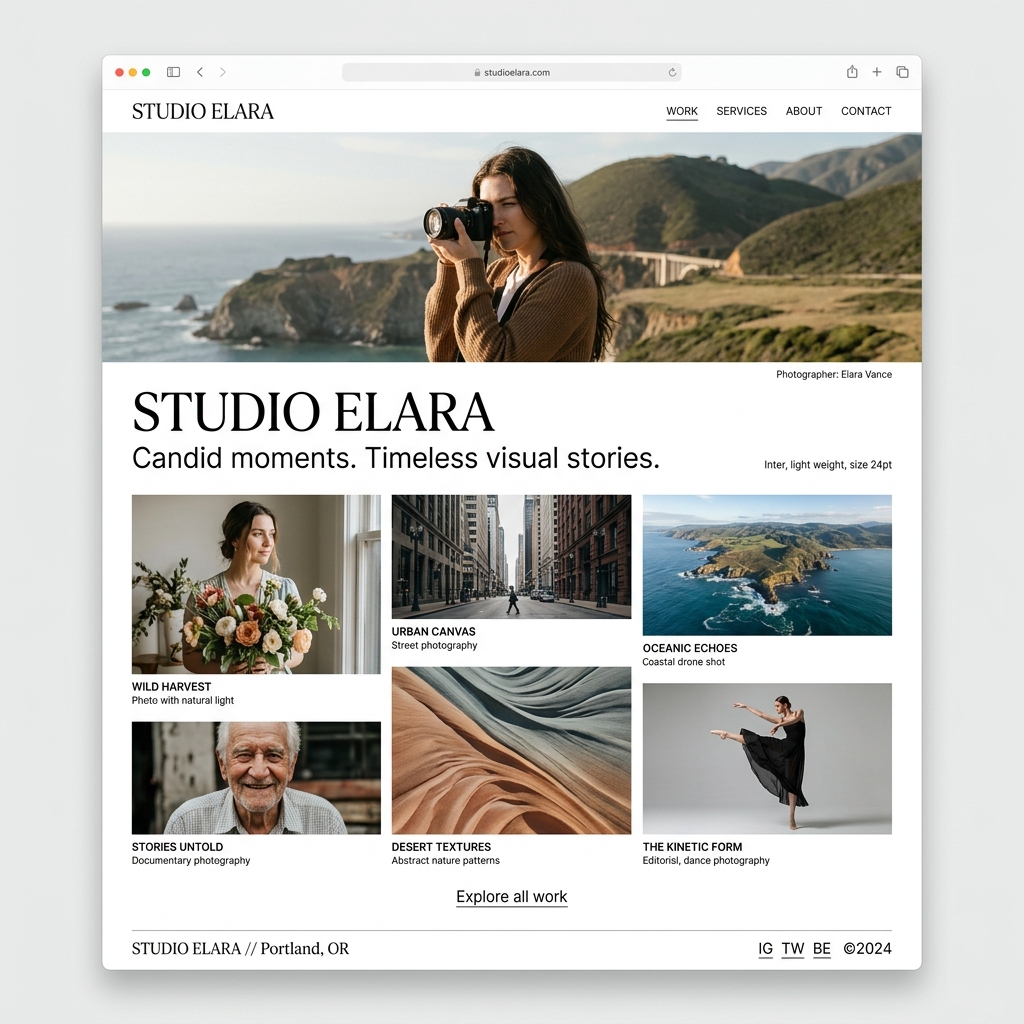
Express your artistic vision and showcase your work with sleek layouts like Minimal Portfolio, Photography Studio, and Art Gallery.
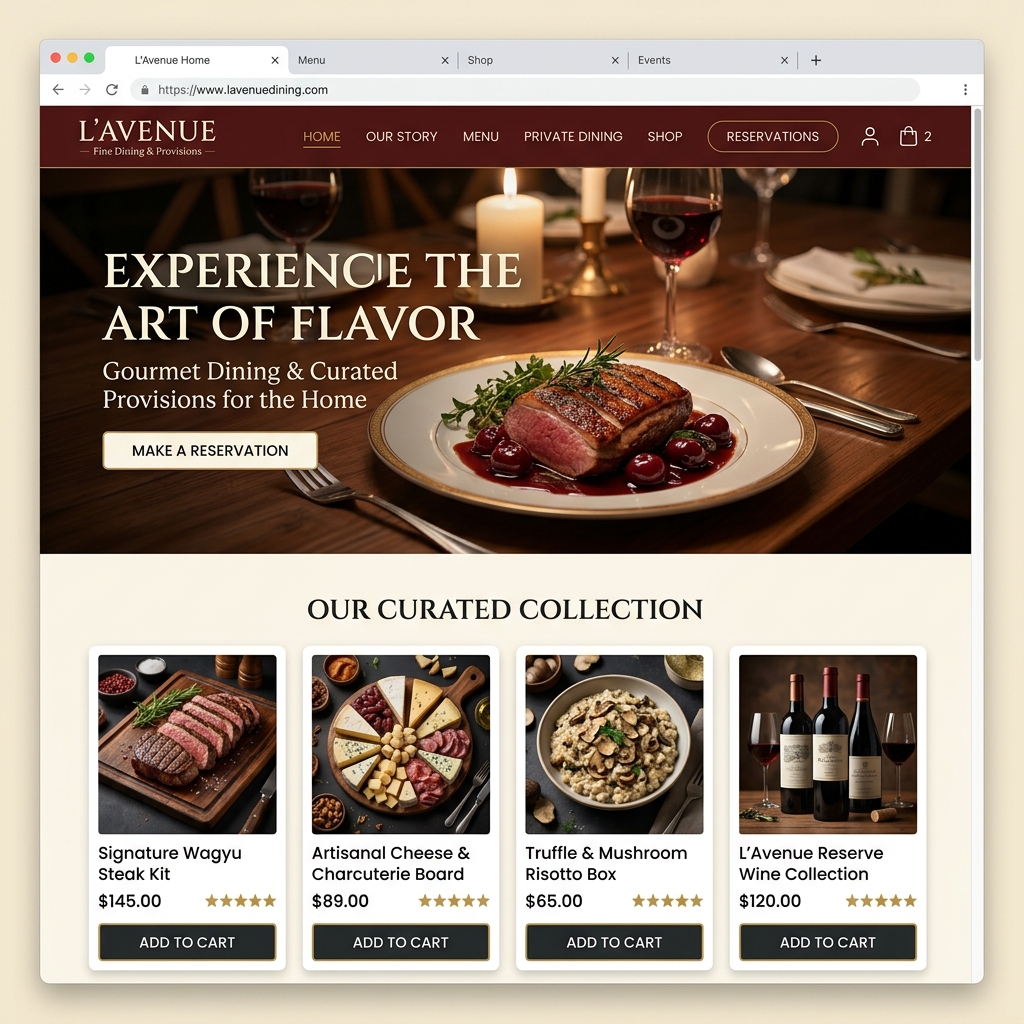
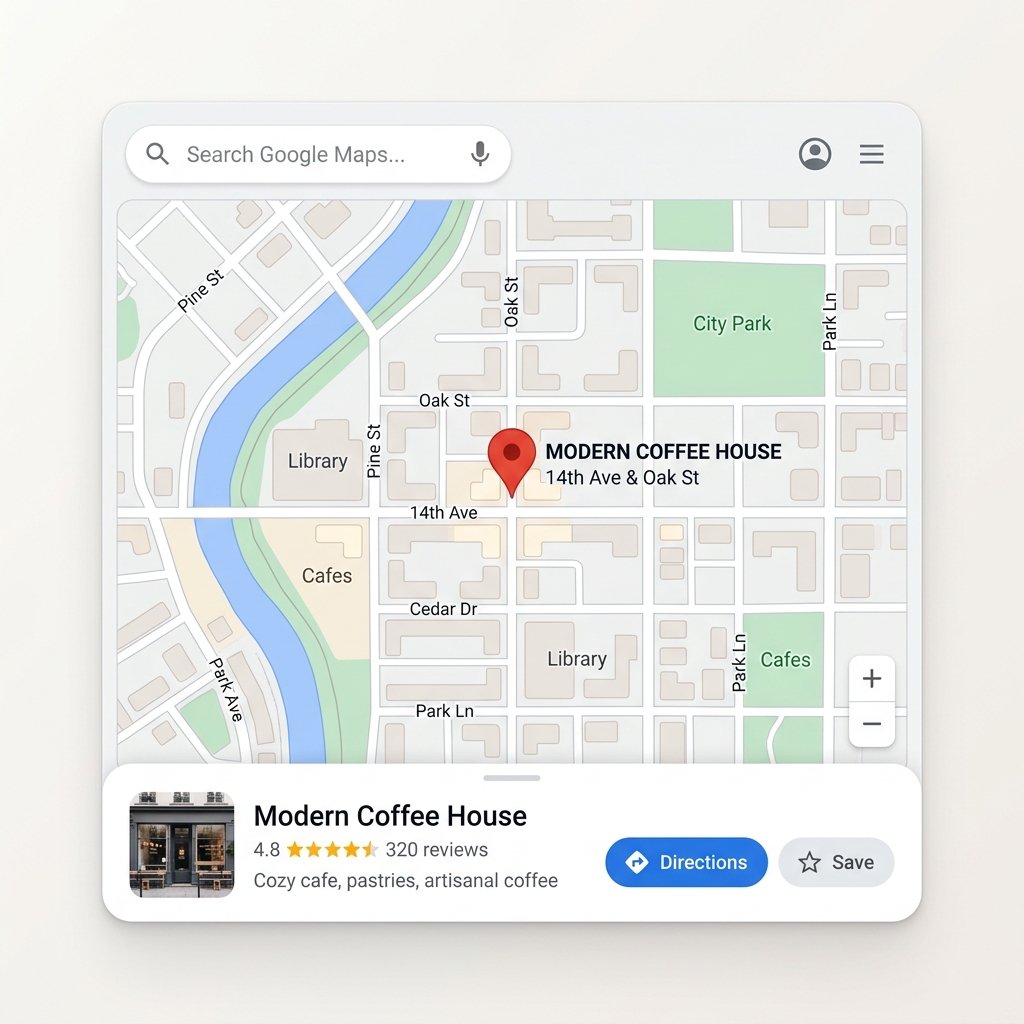
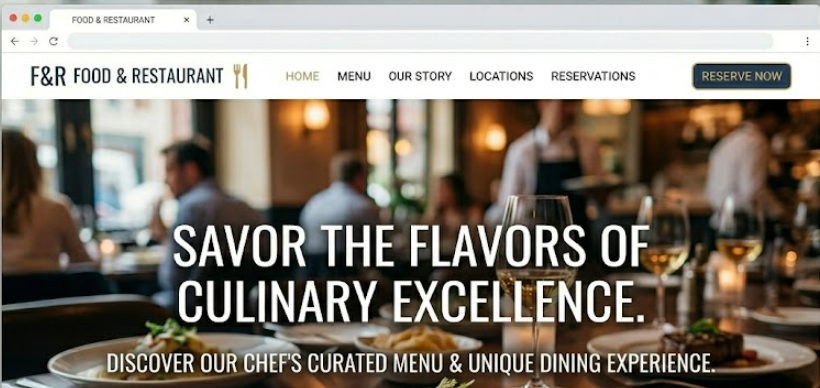
Drive tables, reservations, and sales with modern retail interfaces like Luxe Fashion, Fine Dining, and Local Cafe.

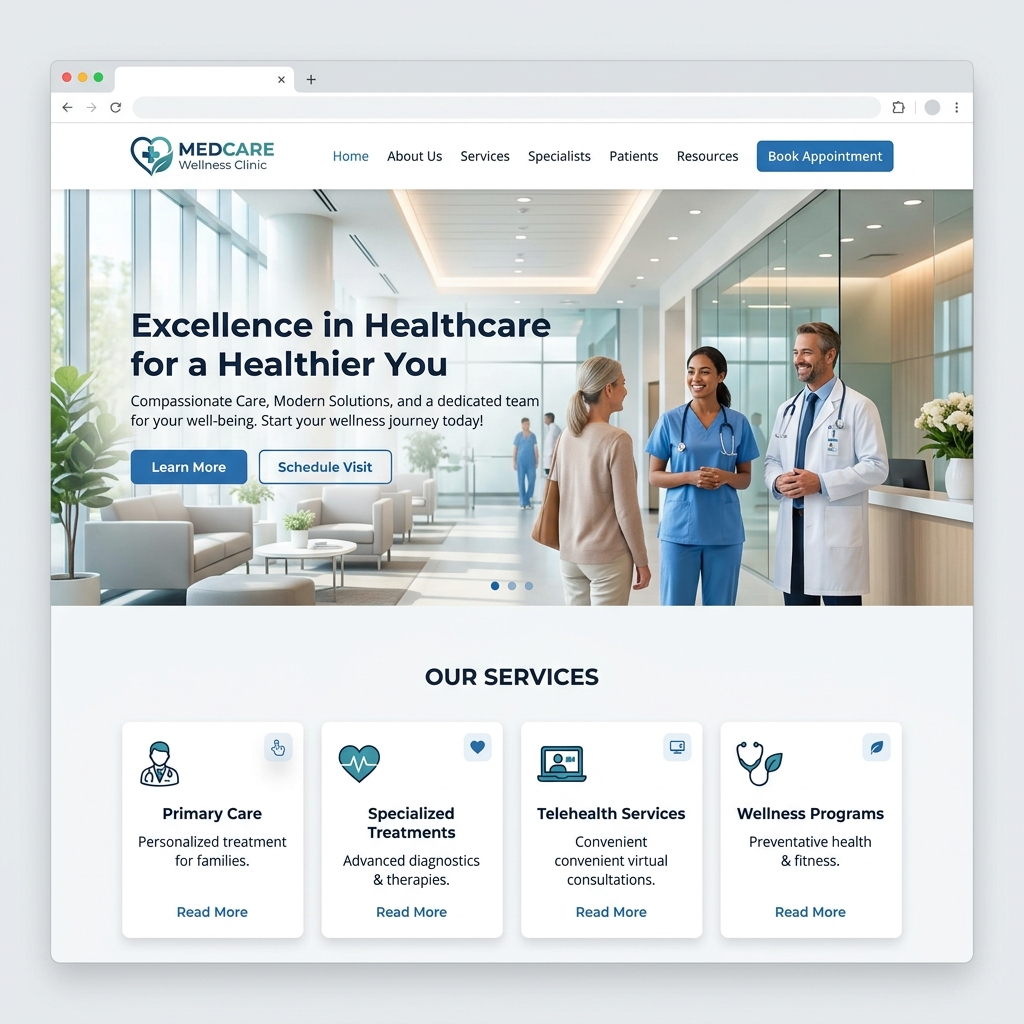
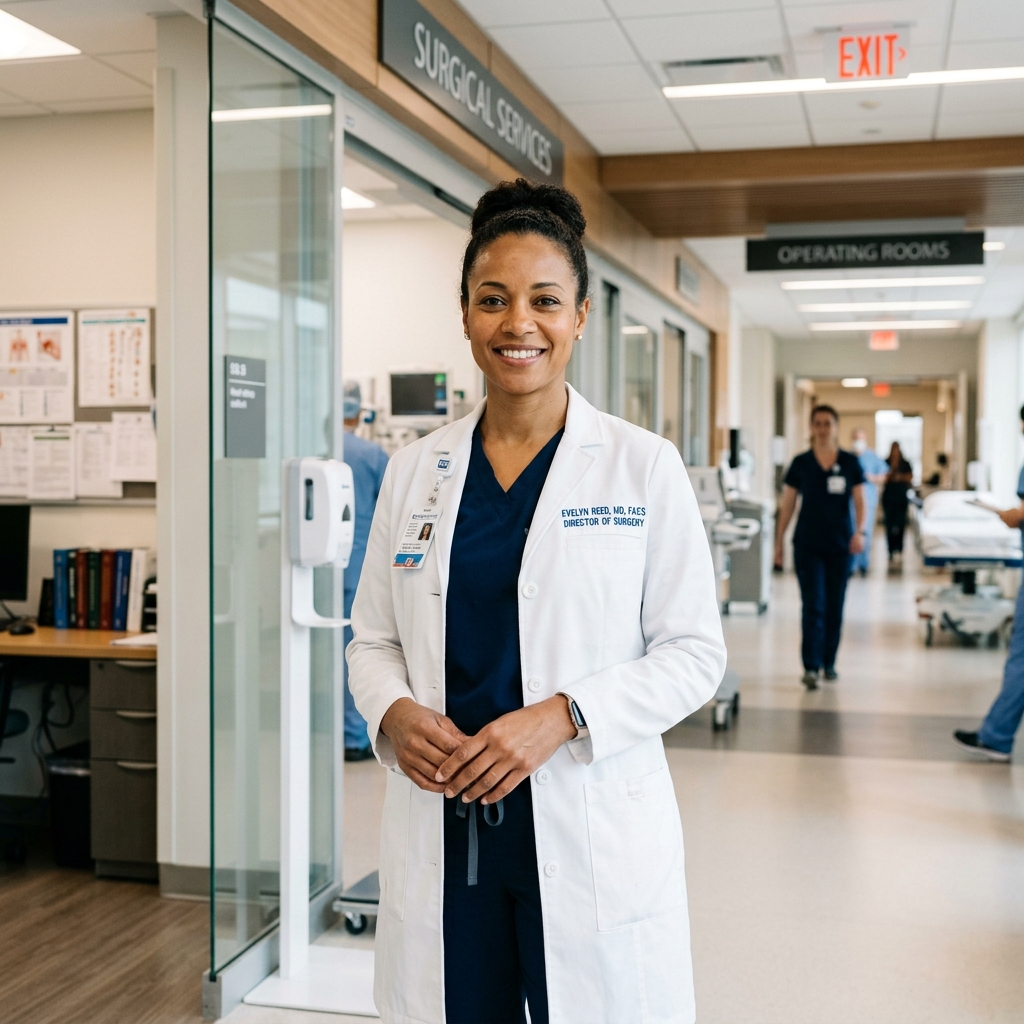
Establish trust and connect with patients using polished medical layouts like Dental Practice, Family Medicine, and Pediatric Care.
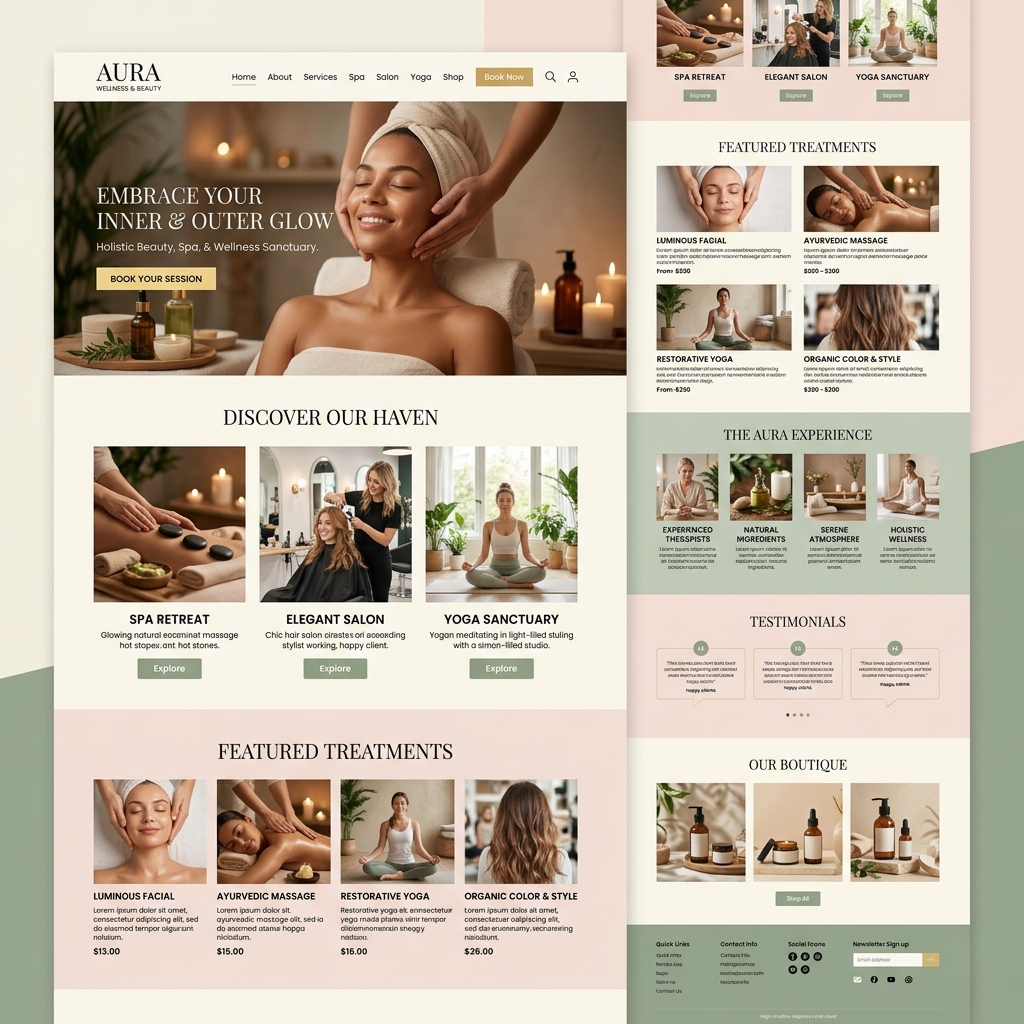
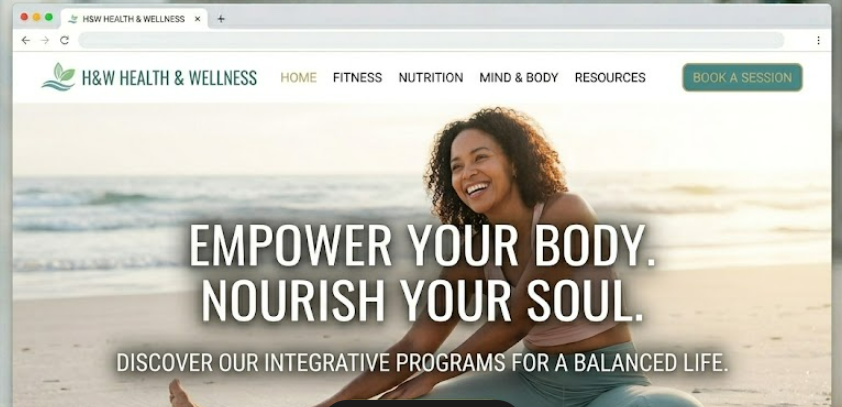
Revitalize your lifestyle with elegant wellness and beauty experiences like Luxury Spa Retreat, Glow Beauty Studio, and Yoga Sanctuary.

Attract new clients with the AI created professional website that saves you time and lets you focus on your business.
Browse our extensive library of professionally crafted 'Premium Templates'. Each design is optimized for performance and conversion.
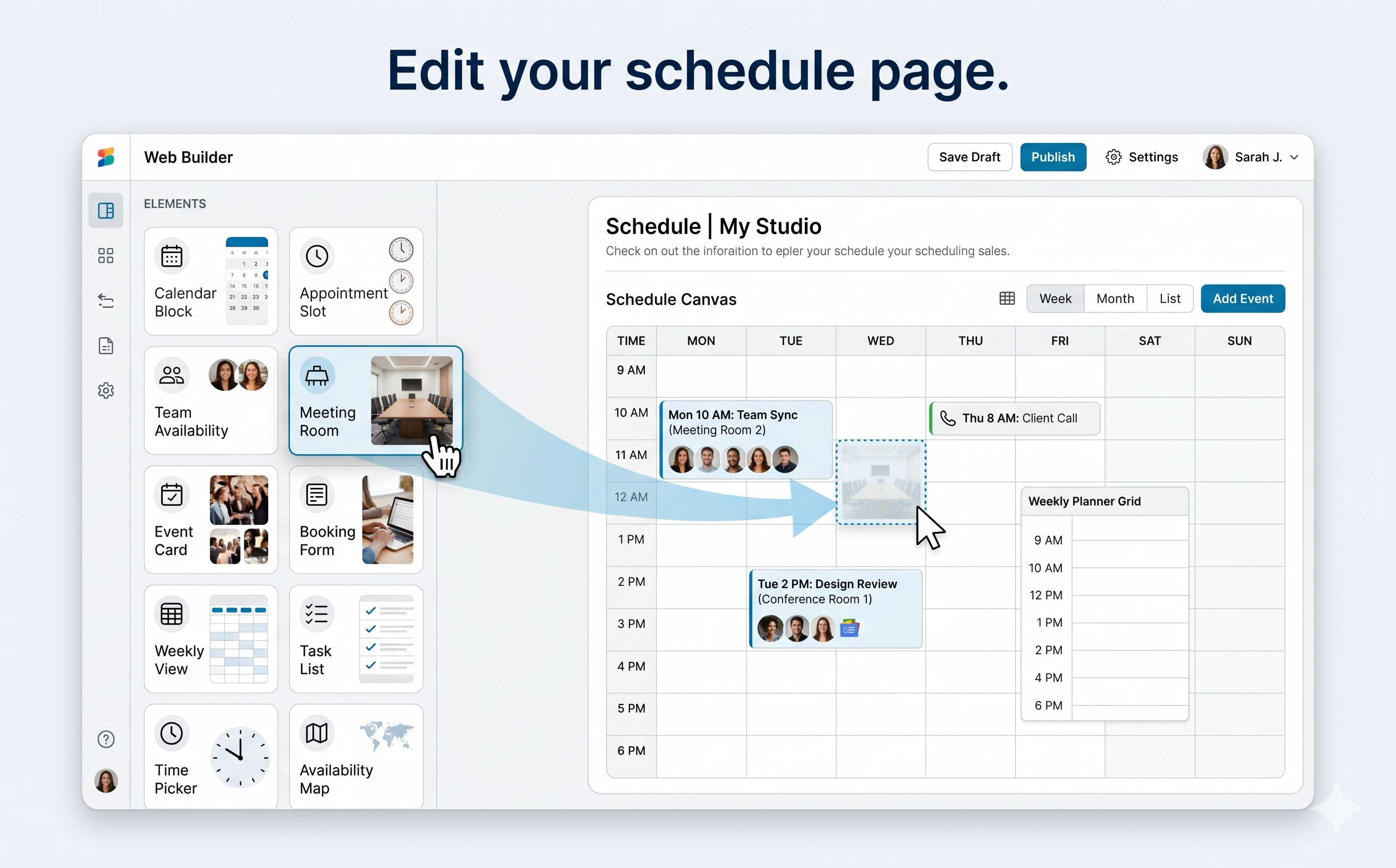
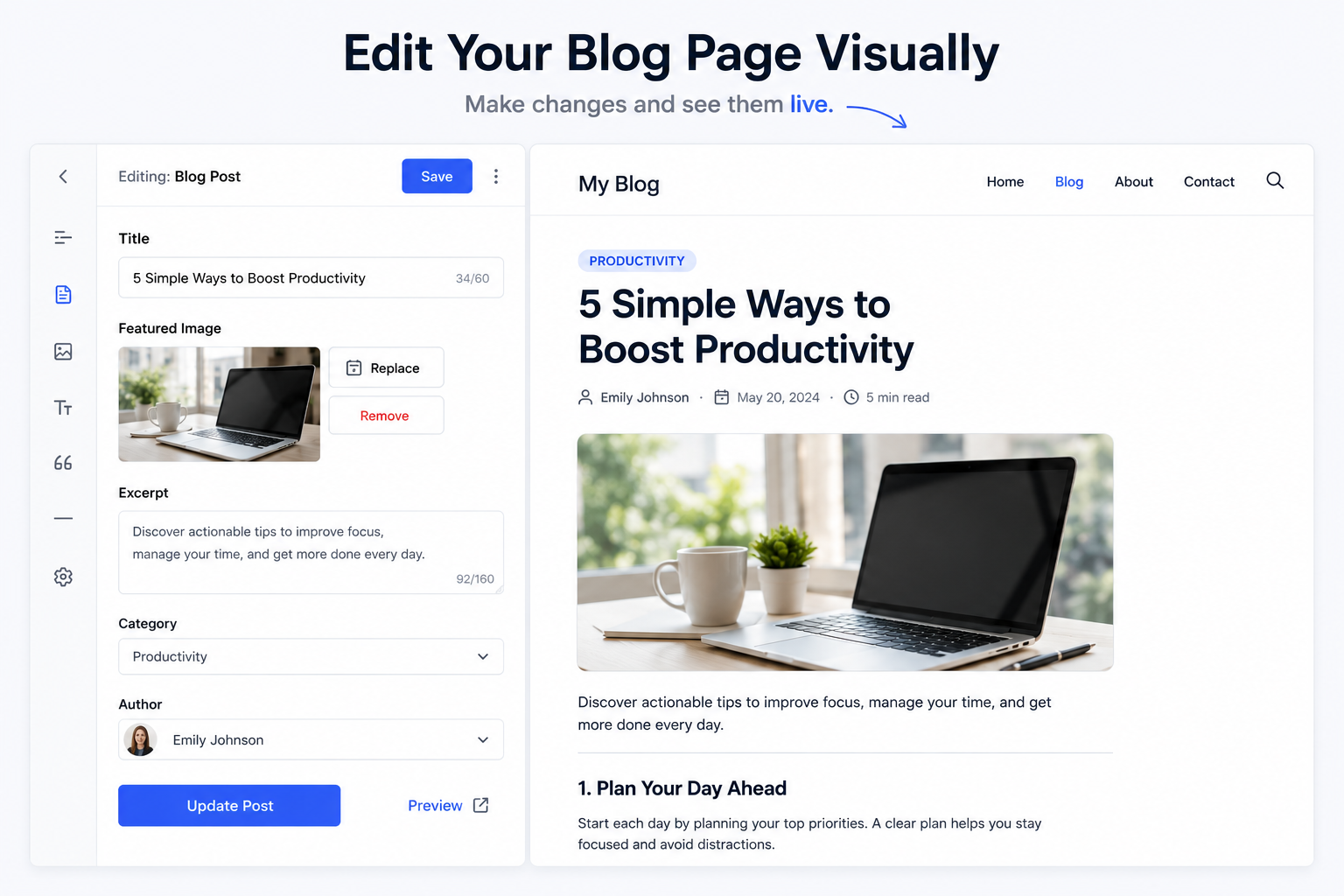
Launch the 'Visual Editor' to customize every pixel with drag-and-drop ease. Build your brand without touching a single line of code.
Start a new masterpiece instantly with the 'Create New Site' workflow. Turn your vision into a live website in just a few clicks.
Experience high-fidelity 'Site Previews' across all devices before going live. Ensure your digital legacy looks perfect on every screen.
Manage your professional profile and security in 'Account Settings'. Keep your business data secure and your identity professional.
Organize and manage all your digital projects from the centralized 'My Sites' dashboard. Track growth and manage site status with ease.
Move any element exactly where you want it. No grids, no limits—just pure creative expression at your fingertips.
Choose from hundreds of designer-made sections and elements to build your site faster without sacrificing quality.
Choose fonts, colors and styles and watch them ripple through your site—so you stay on brand as you evolve.
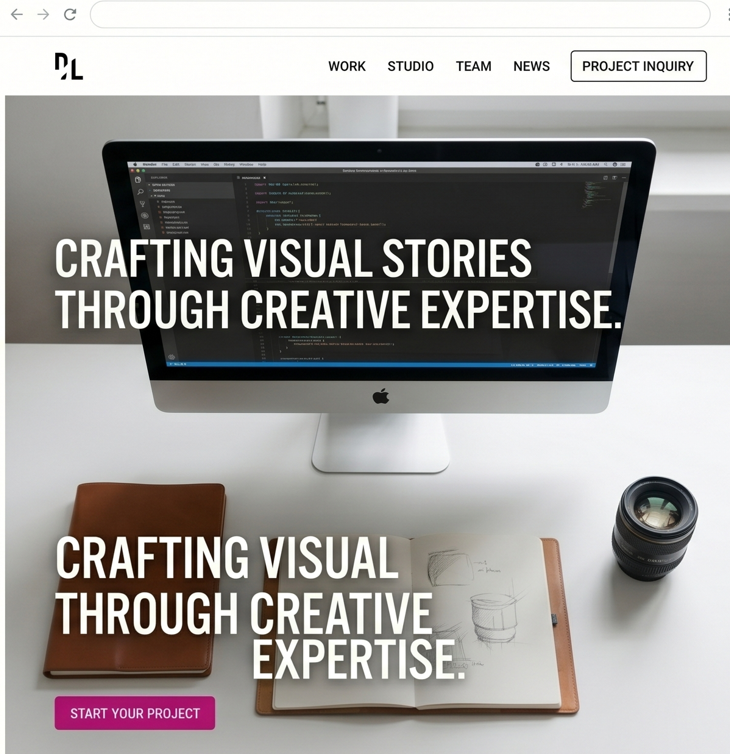

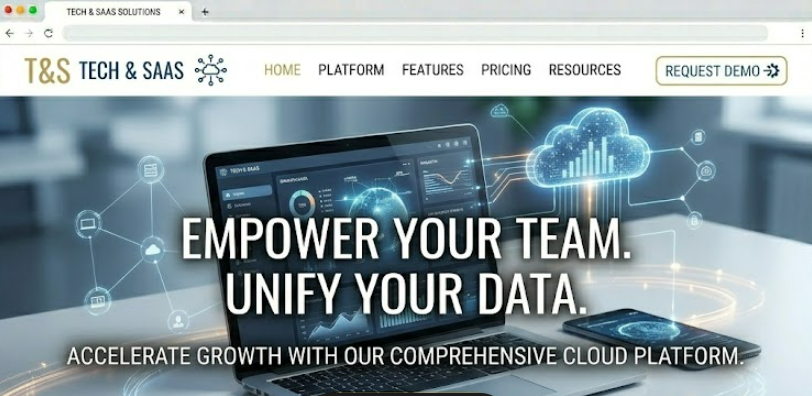
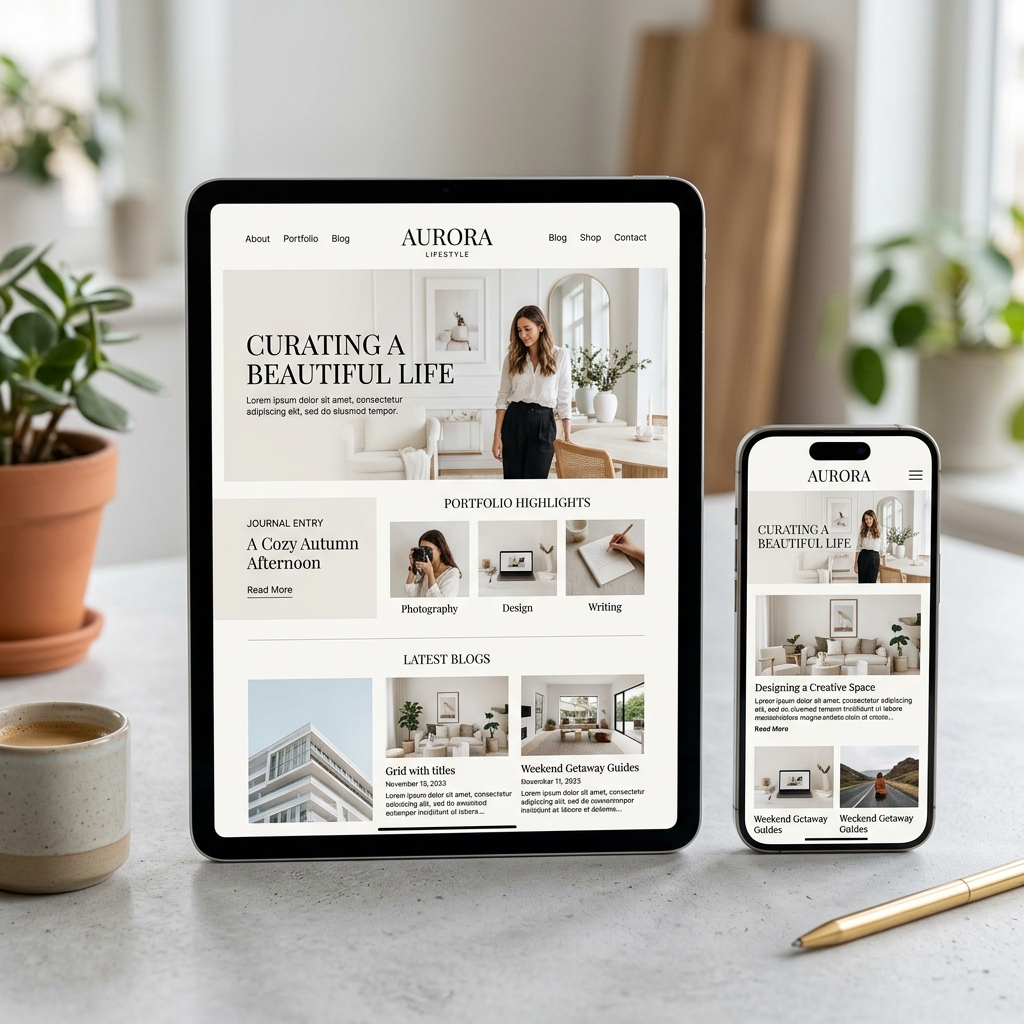
"As an illustrator, I was looking for a platform to present my work. WebsHigher has helped me to build a beautiful, clear website."
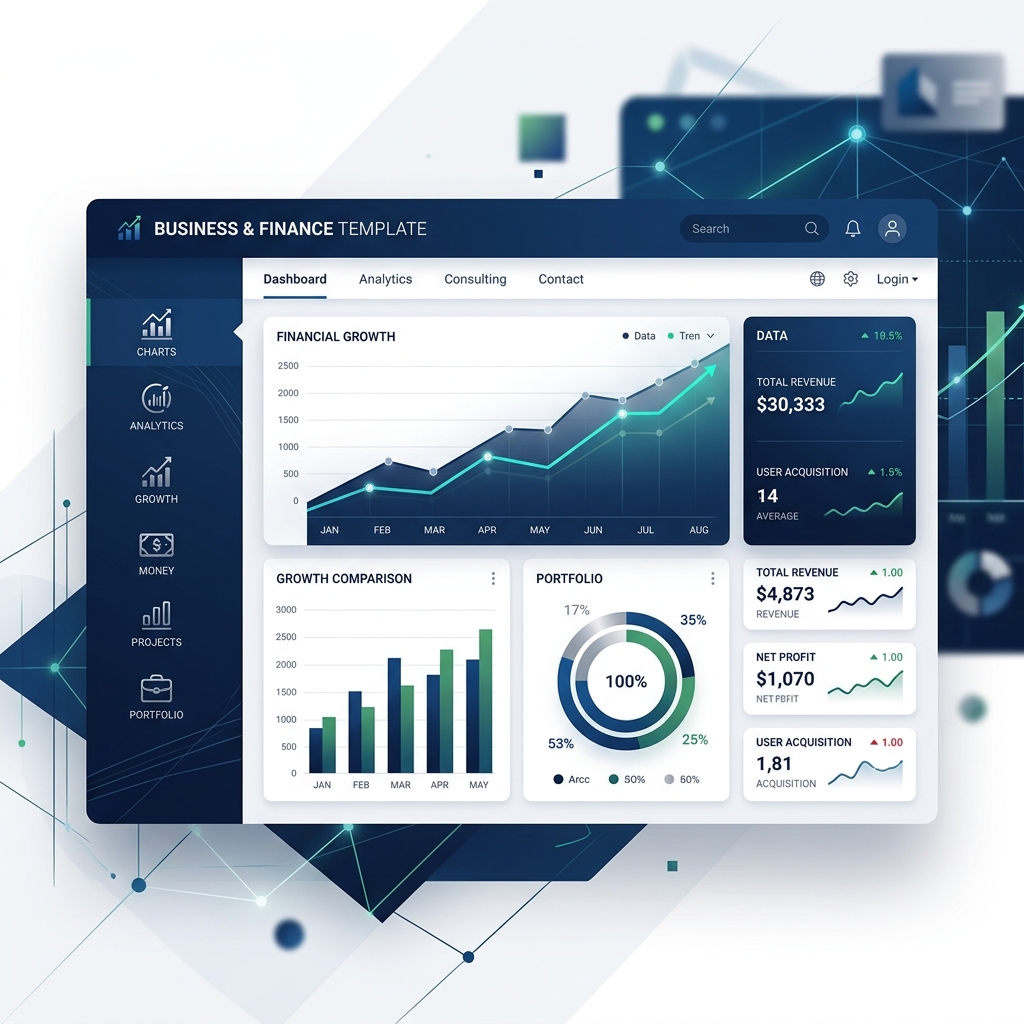
"Even as a developer, I use WebsHigher for quick landing pages because it's just that efficient and elegant."
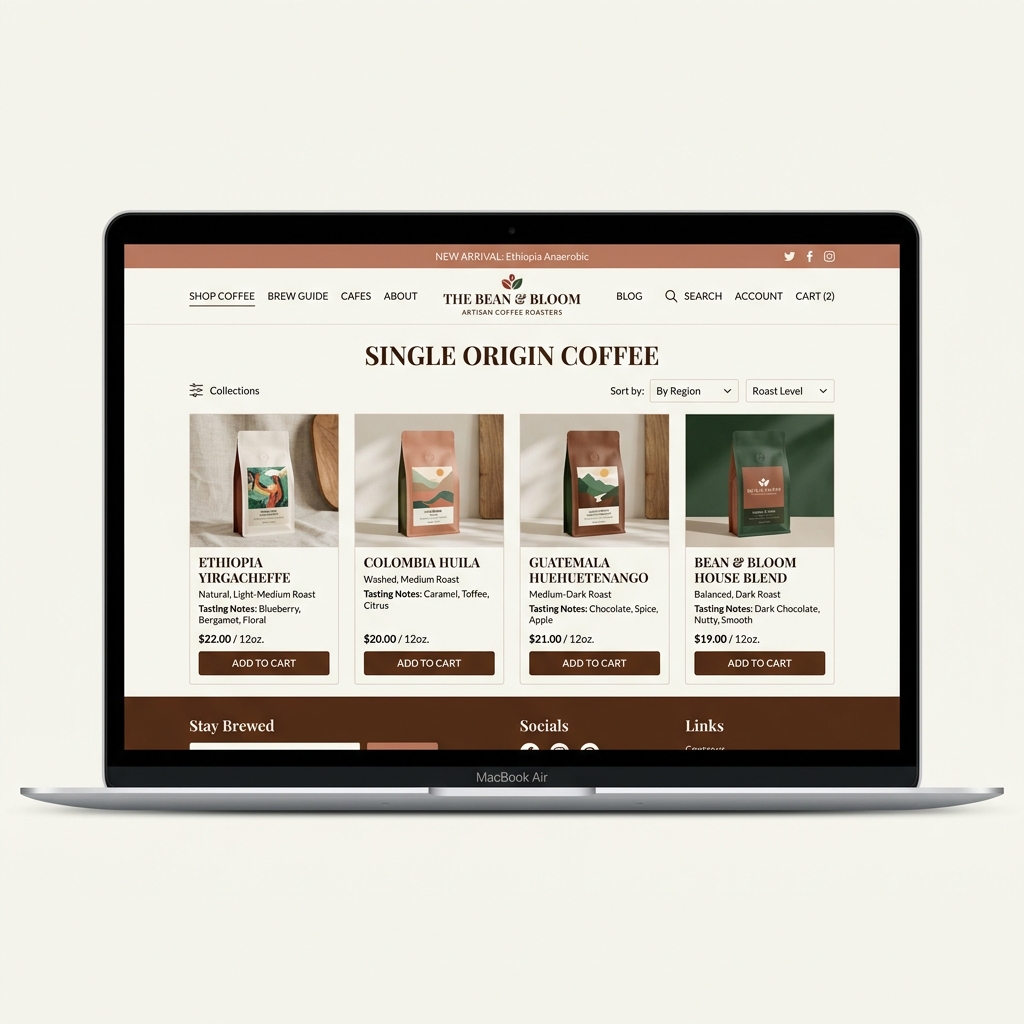
"As a local coffee roaster, setting up an online store was daunting. WebsHigher made it incredibly easy to showcase our beans and process online."
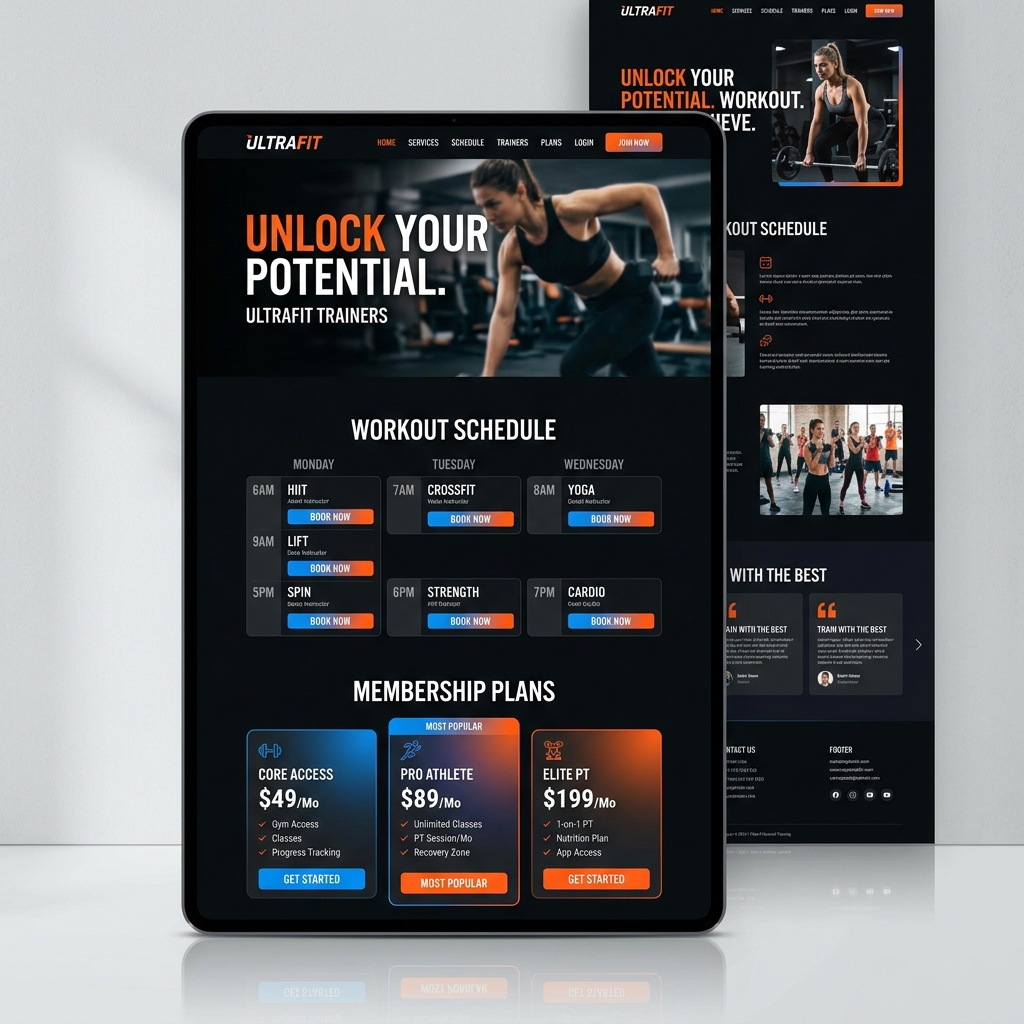
"My fitness coaching business exploded once I launched my WebsHigher site. The membership integration and class scheduling tools are a total game-changer."
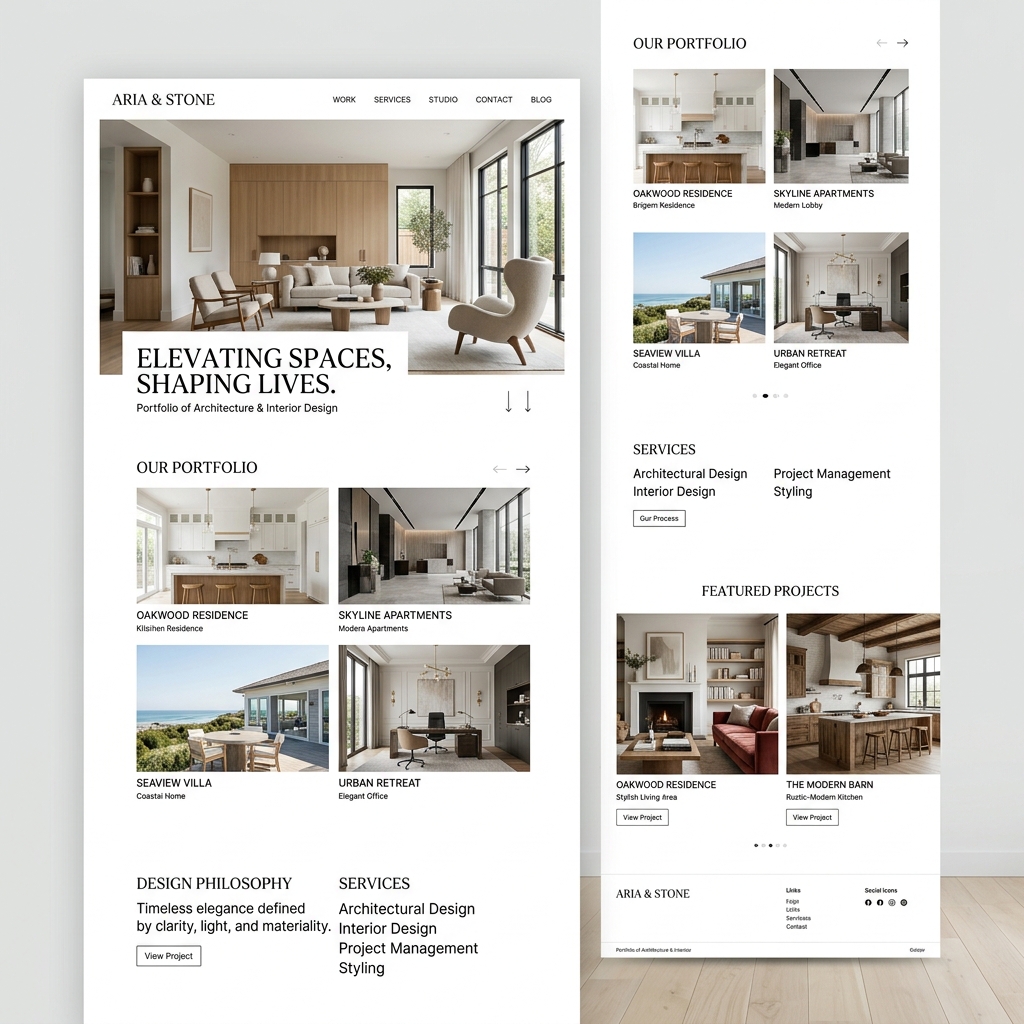
"Visual aesthetics are everything in interior design. This platform gave me the perfect minimalist canvas to let my portfolio photos speak for themselves."
Message us anytime by email or live chat. Our Happiness Team is always here to help you succeed.
Chat with LuminaSimply choose a design from our Premium Templates gallery. Once selected, our intuitive drag-and-drop Visual Editor will launch, allowing you to customize every detail—from layout to colors and fonts.
Yes! Every template provided by WebsHigher is fully responsive by default. You can also use the device toggles inside the Visual Editor to see exactly how your site looks on tablets and smartphones.
Absolutely. Your 'My Sites' dashboard allows you to seamlessly organize, preview, edit, and delete multiple digital projects from a single centralized workspace.
Inside the Visual Editor, you can instantly add new pages. The system automatically preserves your main navigation header and footer, giving you a clean, blank canvas in the middle to build your new content.
We provide high-fidelity Site Previews. Just click the preview button in your dashboard to experience your website exactly as your visitors will see it, with all animations and interactions fully functional.
We offer a diverse library of professionally crafted Premium Templates, covering everything from Business and Finance to Creative Portfolios and Health & Wellness. All designs are fully customizable.
You can easily switch your workspace language at any time by using the "Select Language" option located in the top navigation bar of your dashboard.
Yes, the dashboard provides a "Name Your Site" feature so you can easily organize and identify your different digital projects within the My Sites area.
Absolutely. To save you time, we have built a Bulk Delete feature. Just select the sites you no longer need in your dashboard and remove them simultaneously.
Click on your profile icon in the dashboard to access the comprehensive Account Settings menu, where you can manage your Profile Information and Security preferences.
Inside the Account Settings area, navigate to the "Security" tab. From there, you can update your password and review your account's active sessions.
When creating a new project, our AI system analyzes your needs and instantly generates a unique "Layout Idea", suggests "Key Sections", and recommends a tailored "Design Style".
While we offer a robust library of Premium Templates, the Visual Editor allows you to start from scratch or completely delete template sections to build your own custom layouts.
Simply hover over any of your existing projects in the "My Sites" view and click "Edit". The drag-and-drop Visual Editor will immediately launch in your browser.
Yes! If you want to use one of your current sites as a baseline for a new project, you can use the duplicate function in the dashboard to create an exact copy instantly.
The dashboard will always prompt you with a final warning modal before a site is permanently deleted to ensure you do not accidentally remove your hard work.
